For iPhone & iPad · iOS 26

Everything that matters to your family.
Finally in one place.

Invoices, contracts, warranties and what’s in the fridge — snapped, understood automatically and remembered in time. The analysis runs entirely on your device, your data lives in your iCloud. No server, no account, no subscription.

  • 0areas
  • 0servers
  • 0on-device
  • 0per scan
9:41

Home

Good morning, Jordi family

1 item overduePlain yogurt — best before yesterday
3Food
≤ 3 days
2Warranties
≤ 30 days
1Contract
≤ 90 days
Liability ZurichCancel by Sep 30
30 d
Coffee machineWarranty until Jun 14, 2028
21 m
Cream cheese ❄︎Best before today
0 d
Swisscom invoiceCHF 89.90 · Mar 12, 2026
new
Gym membershipCancel by Oct 31
62 d
Home Scan Search
On-device AI✦Document scanner✦Live viewfinder for packs✦Trilingual packaging✦Apple Foundation Models✦ iCloud sync✦Face ID lock✦Spotlight search✦ No account✦No tracking✦English & German✦

The problem

The warranty is in a binder, the contract in your inbox,
the expiry date nowhere.

01

Snap it instead of typing it

The native document scanner detects edges, straightens the perspective and delivers clean pages. Food packs get their own live viewfinder that reads the best-before date while you’re still aiming. The app then pulls out issuer, date, amount, deadlines and expiry dates by itself.

02

Reminded before it’s too late

Cancellation deadlines 90/30/7 days ahead. Warranties 30/7 days ahead. Food 3/1/0 days ahead. As a local notification at 8:00 am — even without internet.

03

Stays where it belongs

Text recognition and field extraction run on-device with Apple frameworks. There is no FamilyVault server anything could be sent to.

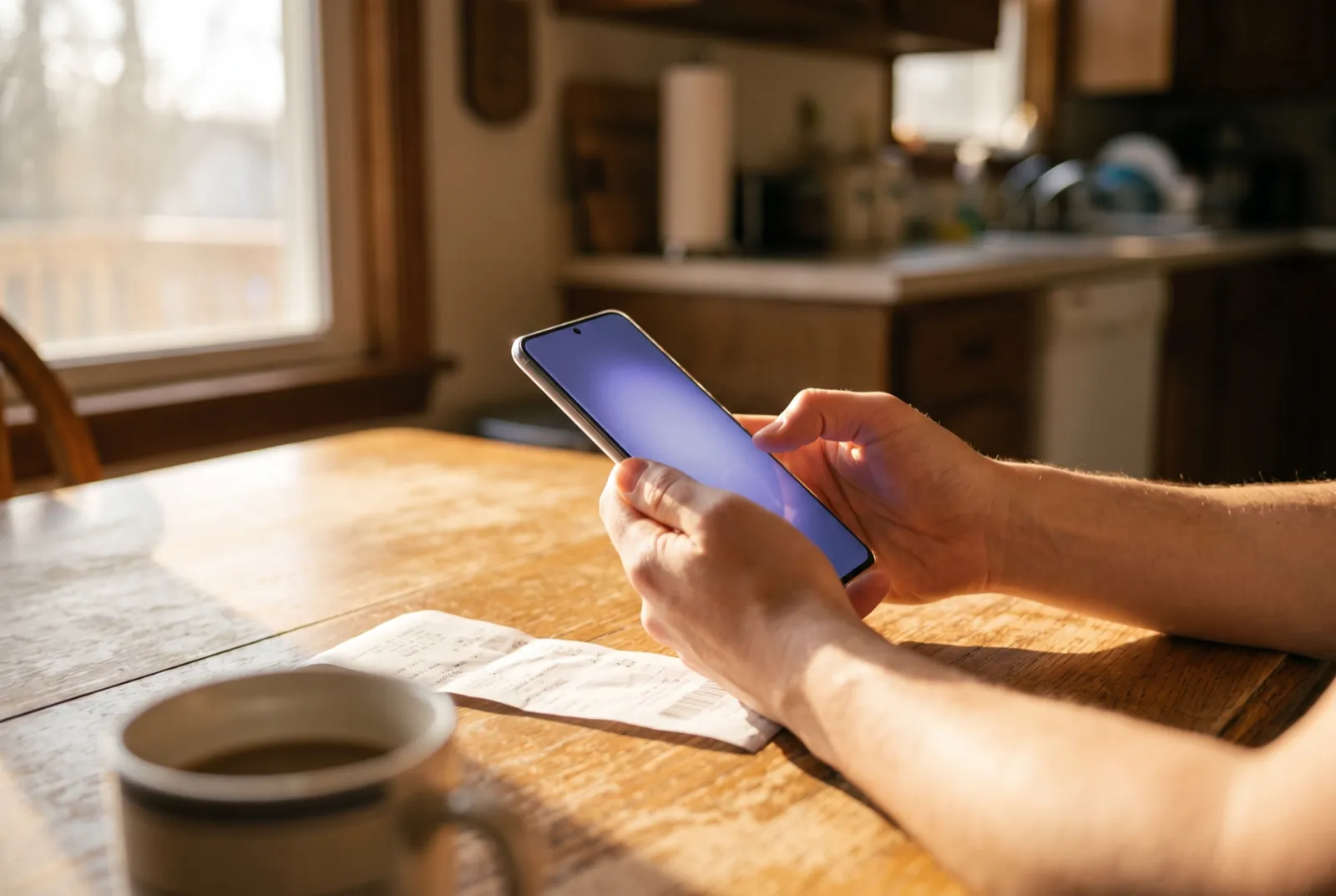
Hands photographing a receipt on a kitchen table in the morning light

Kitchen table, 7:42 am. One photo — and the receipt is filed, tagged and stored with its warranty period.

IssuerSwisscom (Schweiz) AG
DateMar 12, 2026
AmountCHF 89.90
TypeInvoice
TagsTelecomFixed costs
Save
Capturing page …

How it works

Three seconds from paper to order.

  1. 1Scan

    For paper, VisionKit detects the edges automatically, corrects the perspective and captures several contract pages in one go. Packs are curved and printed small — so FamilyVault has its own live viewfinder: it shows the best-before date and barcode as chips while you aim, you zoom with two fingers, tap to focus and press the shutter yourself. No auto-shutter that fires before the image is sharp.

  2. 2Understand

    Vision reads the text (de-CH, de-DE, en-US), and Apple’s Foundation Models extract the fields from it — issuer, date, amount, term, notice period, best-before date. For the best-before date the app weighs every date on the pack: a label like “best before” counts, a packing date doesn’t — and the model’s suggestion only stands once it matches the print. For the product name, font size and food terms count; labels like “ORGANIC”, serving suggestions, nutrition facts and manufacturer addresses are dropped. On trilingual Swiss packs the app picks the name in your iPhone’s language. All local, no network.

  3. 3Confirm

    You always see what was recognised and can correct any field. Only your “Save” writes to the database — and immediately schedules the matching reminders.

Fields recognised with low confidence (below 60 %) are highlighted in yellow — “please check” — instead of being taken over silently. And if a photo is too blurry to read, the app says so before recognition starts: “Retake” or “Use anyway” — your choice.

Four areas

One scanner. Four homes for your things.

Each area has its own logic — its own fields, its own deadlines, its own traffic-light colours. Shared tags and the global search tie them together.

Stacked invoices and receipts on a light surface

Documents

Invoices, receipts, anything on paper. FamilyVault recognises issuer, date, amount and currency, adds a short AI summary and keeps the full OCR text for search.

  • Invoice · Receipt · Other
  • Sort by date or amount
  • Full text of the scan searchable
Multi-page contract with a pen on a desk

Contracts

Scan several pages, put them in order, then analyse. From the term and notice period FamilyVault works out the next cancellation date — and keeps an eye on it.

  • Other party, start, end, monthly cost
  • Next cancellation date calculated automatically
  • Status: active · cancelled · expired
Kitchen appliance with a warranty card in studio light

Warranties

Snap the receipt, done: product, brand, purchase date and warranty period show up in the list as a time-remaining badge. Green, yellow, red — at a glance.

  • Proof of purchase kept as an image
  • Time remaining in days and months
  • Hint when an extension is possible
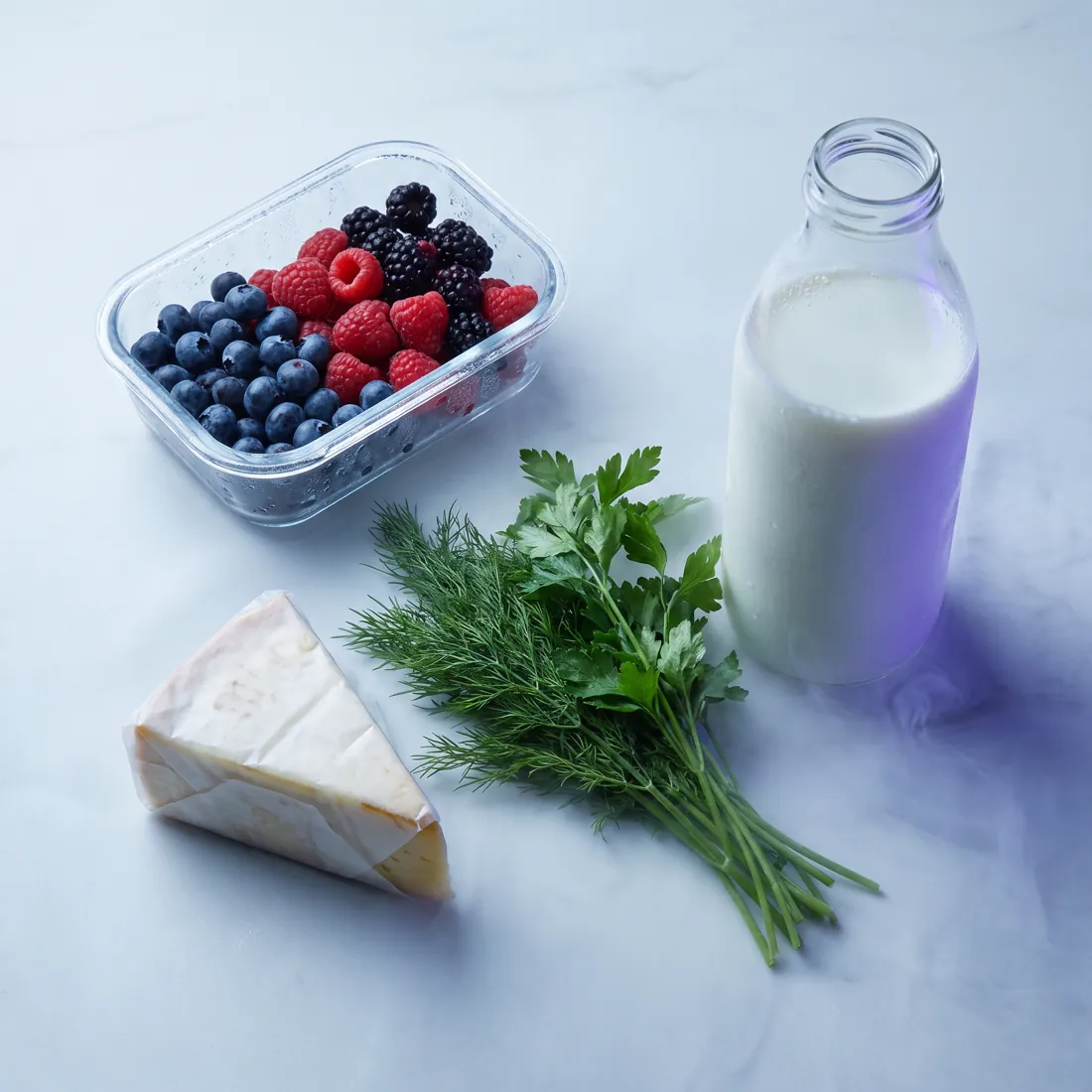
Fresh groceries in cool light

Food

Hold the pack in the live viewfinder — name, brand, quantity, barcode and best-before date are captured, the name even on trilingual packs in your language, and the line from the print sits under the date as proof. Freeze something and the app calculates the new date from your shelf-life rules.

  • “Rescan date” right in the form
  • ❄︎ Freeze with a preview of the new date
  • Swipe: “consumed” or delete
  • Traffic light by days until expiry

Reminders

The app speaks up before it gets expensive.

No emails, no messenger bot, no push from someone else’s server: FamilyVault schedules its notifications in advance right on the device and delivers them at the time you choose — 8:00 am by default.

Food3 · 1 · 0days before best-before
Warranties30 · 7days before expiry
Contracts90 · 30 · 7days before the cancellation deadline
  • Act right from the notification: “Mark as consumed”
  • Tapping opens the detail view — a deep link instead of searching
  • 7-day cancellation warning as a time-sensitive notification
  • Can be switched off per area and per device
FamilyVaultnow

🔴 Expires today

Cream cheese (Migros)

FamilyVault8:00

🟠 Warranty expires in 7 days

Coffee machine (Jura) — consider extending

FamilyVault8:00

🔔 Cancellation deadline approaching

Liability Zurich – can be cancelled until Sep 30, 2026 (in 30 days)

FamilyVaultyesterday

🟡 Expires soon

Cream 35 % (Emmi)

Privacy

Your papers never leave your home.

Most scanner apps send your photo to a cloud AI. FamilyVault doesn’t. Text recognition and field extraction happen on your iPhone’s processor — offline, no API key, no per-page bill.

No backend

There is no FamilyVault server. Nothing to hack, nothing to leak, nothing that could be switched off.

Your iCloud

Sync through the private CloudKit database of your Apple account — inside Apple’s infrastructure, unreadable to us.

No account

No sign-up, no password, no newsletter. Your device is your identity.

Face ID

Optional app lock. Whoever holds your iPhone still doesn’t see your contracts.

No tracking

No analytics SDKs, no advertising IDs, no third-party libraries. Phase 1 uses Apple frameworks only.

Your data, your export

Everything sits in a local database along with the original images — no format lock-in, no subscription that cuts off access.

Under the hood

Native app. No shortcuts.

Swift 6 and SwiftUI, a single universal target for iPhone and iPad, zero third-party dependencies.

SwiftUIInterface, iPhone tabs & iPad split view
SwiftData + CloudKitPersistence & sync through the private iCloud database
VisionKit + AVFoundationDocument scanner & custom live viewfinder for packs
VisionText recognition de-CH · de-DE · en-US & barcode detection
Foundation ModelsOn-device LLM for field extraction
UserNotificationsLocal reminders scheduled in advance
Core SpotlightResults in the iOS system search
LocalAuthenticationApp lock with Face ID / Touch ID

Without Apple Intelligence a rule-based extractor takes over automatically — the app stays usable, recognition is just more conservative.

Questions

Answered briefly.

Do I need a subscription?

No. There is no server that costs money to run, so there is no subscription either. The app works with your iCloud storage.

Which devices are supported?

iPhone and iPad with iOS/iPadOS 26 or later. Automatic field extraction uses Apple Intelligence; on devices without Apple Intelligence the rule-based fallback takes over.

Can other family members see my entries?

In the first version FamilyVault syncs through the private iCloud database — so across all devices signed in with your Apple ID. Real sharing across several Apple IDs is planned for a later stage.

What if something is recognised wrongly?

Nothing is saved without your confirmation. Every scan ends on a screen with all fields ready to correct; uncertain values are highlighted.

The best-before date wasn’t read, or was read wrongly?

Prints on packs are small, curved and often smudged. That’s why the live viewfinder shows which date it is currently reading — zoom in until the chip is right, and only then press the shutter. If the photo is too blurry, the app tells you before recognition. In the form, “Rescan date” captures the date again at any time, with the line from the print shown underneath as proof — and a date that couldn’t be confirmed against the print is explicitly marked for checking.

The product name is wrong?

A pack mixes name, brand, labels, slogans and nutrition facts, often in three languages. FamilyVault therefore checks the model’s suggestion against the print: if the name is missing, doesn’t appear on the pack or is really the brand, the app takes the best-matching line, usually the largest type. On multilingual packs the name in your iPhone’s language wins; if it isn’t there, the print stays as it is — nothing gets translated. Name and brand can be edited on the confirmation screen like any other field.

Does the app work offline?

Completely. Scanning, recognition, search and reminders need no network. The internet is only used for iCloud sync between your devices.

Which languages is FamilyVault available in?

English and German from day one, including localised notification texts. More languages can be added later without touching the rest of the app.

Tidying up has never been
this little work.

FamilyVault is now on the App Store — free for iPhone and iPad. No account, no subscription, no ads.

Download on the App Store